A lot of websites are weighing up the value of client-side vs server-side tracking in WordPress.
Since I started in marketing in the early 2010s, I’ve seen countless teams rely on traditional client-side tracking. But privacy updates, ad blockers, and browser restrictions are breaking it fast.
If you’re looking for a better way to collect data on user behavior, server-side tracking might be the solution. Understanding how these two tracking methods differ is the first step toward making the right decision for your website.
What Is Client-Side Tracking?
Client-side tracking is an older, browser-based method for tracking user behavior.
It’s how most web analytics and marketing tools like Google Analytics, Meta Pixel, or TikTok Pixel have operated for years.
How Client-side Tracking Works?
When someone loads a page on your WordPress website, small pieces of JavaScript code called tracking scripts activate. These tags collect information about user interactions on your website.
This information could be anything from which pages they viewed in their time on the website, to the buttons they clicked, and even how they found your website in the first place.
The most important thing to note is that all of this depends on the user’s browser.
Pros
There are several reasons why websites have relied on client-side tracking for so many years.
- Simple setup: Add scripts or use plugins automatically in most cases with no backend work or technical knowledge required.
- Instant visibility: Your data appears immediately in analytics dashboards so you can understand what’s happening in real-time.
- Rich user behavior data: You can capture a wealth of information like page views, clicks, and engagement events.
Cons
There are definitely problems, most of which result from the heavy dependence on the user’s browser for information collection.
- Blocked by browsers and ad blockers: Browsers like Safari block many trackers, but even on Chrome, users can install ad blockers that cause lost tracking data.
- Cookie-dependent: Tracking breaks when cookies expire, when cookies aren’t explicitly accepted, and when they are outright rejected.
- Slower performance: Extra scripts on the front end increase load times and negatively affect user experience and their perception of your products.
- Data inconsistency: Results often differ between ad platforms and analytics due to technical issues and incomplete information.
What Is Server-Side Tracking?
Server-side tracking is, in many ways, the opposite of client-side tracking. The most important thing to note is that very little runs on the front end.
That shift matters because it keeps your tracking intact even when browsers block third-party cookies or users opt out of consent banners.
How Does Server-Side Tracking Work?
When an event happens, your web servers record it. These servers can then validate and enrich the data with any relevant information before sending the data to the destination platform through a secure API.
All of this usually depends on server-side tracking using first-party data, and secure endpoints that allow you to bypass the browser entirely.
Pros
There are many benefits to server-side tracking that have made it popular amongst marketing teams.
- Accurate data: You can capture and send data directly from your server, unaffected by browser limitations caused by ad blockers, cookies, and privacy policies.
- Faster website: Fewer client-side scripts mean shorter load times and a better user perception, improving your overall website performance.
- Full control: You decide what data is collected, stored, and shared, so you get exactly what you need.
- Better compliance: Handling and storing data securely through first-party methods means it’s easier to be compliant with GDPR and CCPA standards
- Improved attribution: You are able to keep conversion tracking consistent across platforms, even weeks after they first come across your website.
Cons
Unfortunately, there are difficulties that come along with server-side tracking, which you need to carefully evaluate.
- Technical setup: Unless you use a plugin like Traculo, it requires configuration of APIs or servers.
- More maintenance: Long-term monitoring and occasional troubleshooting are needed, which also requires technical skill.
- Added cost: Hosting or managed server infrastructure may cost an additional sum.
- Learning curve: Your teams need to understand how server-side tagging works, which isn’t always intuitive without basic development skills.
Key Differences of Server-Side vs Client-Side Tracking in WordPress
Here’s a side-by-side comparison to simplify the differences between the two types of tracking.
| Feature | Client-Side Tracking | Server-Side Tracking |
|---|---|---|
| Data Collection | Happens in the user’s browser | Happens on the website’s server |
| Accuracy | Affected by ad blockers or browser privacy settings | Reliable, even with limited cookies |
| Privacy | Relies on third-party tracking cookies | Uses first-party, GDPR-compliant data |
| Setup | Simple plugin install | Requires server-side tagging or a managed plugin |
| Control Over Data | Limited, handled by third parties | You control what’s stored and sent |
| Performance | Browser-based scripts slow load time | Fewer scripts mean faster pages |
How to Choose the Right Analytics Approach for Your WordPress Website
Not every approach is going to fit your website.
If you are running a small business or blog, then you should have no problem with client-side tracking and can benefit from cutting costs.
If you are in an industry where attribution and data accuracy are incredibly important, like e-commerce or marketing, then server-side tracking is probably what you need.
The improvements that will happen as a result of better analytics will probably compensate for the additional cost, too.
But the people who benefit the most from server-side tracking by far are those who rely heavily on data privacy.
How to Implement Server-Side Tracking on WordPress
There are two ways to implement server-side tracking on WordPress. You can either build everything yourself, if you have the technical knowledge, or you can use a plugin that automates everything.
Manual Setup (GTM Server, APIs)
If you prefer full control, you can build your own server-side environment.
To do this, you will need to set up a Google Tag Manager server-side container through Google Cloud or AWS, then connect your analytics and ad platforms manually.
This method is great if you have the time and abilities, not just for the initial setup but also for long-term maintenance around server processes, endpoints, and load management.
But, in my experience, most marketing teams that are thinking of transitioning to server-side tracking don’t have the skills required to do this reliably.
Using Plugins like Traculo
If your website is built on WordPress, then a plugin like Traculo is a far easier option.
These kinds of plugins remove a lot of the technical requirements that come along with server-side tracking, automating much of the setup and maintenance.
In many cases, all you need to do is download the plugin, create an account, and connect your marketing or analytics platforms.
Best Tools for Client-Side vs. Server-Side Analytics
There are a couple of different options available for client-side and server-side analytics tools, but some definitely stand out above the rest.
Best Tools For Client-Side Analytics
WP Statistics
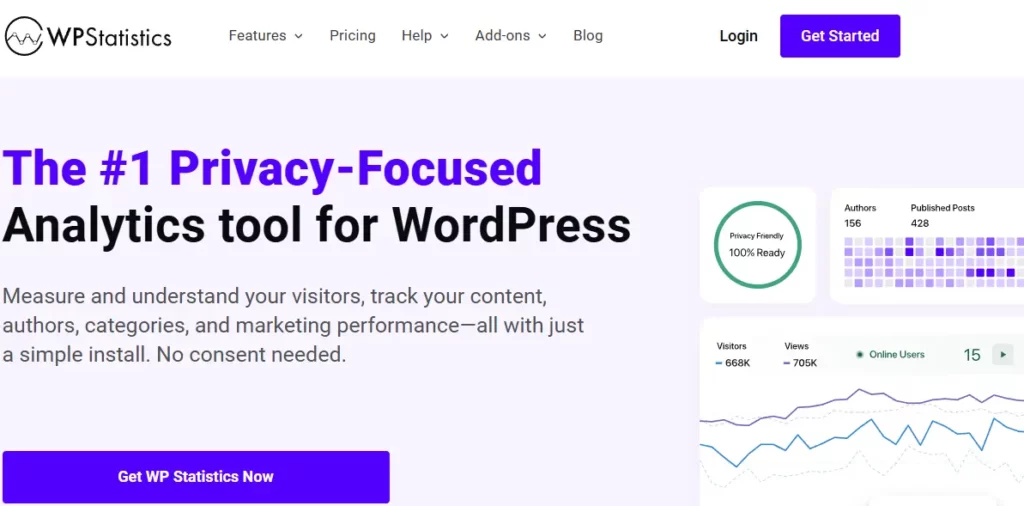
If you want to keep everything with WordPress, WP Statistics is a great option. Your data remains on your server, so you don’t need any third-party services.
You just need to download the plugin, which uses a cookie-less tracking method.
Google Analytics (GA4)
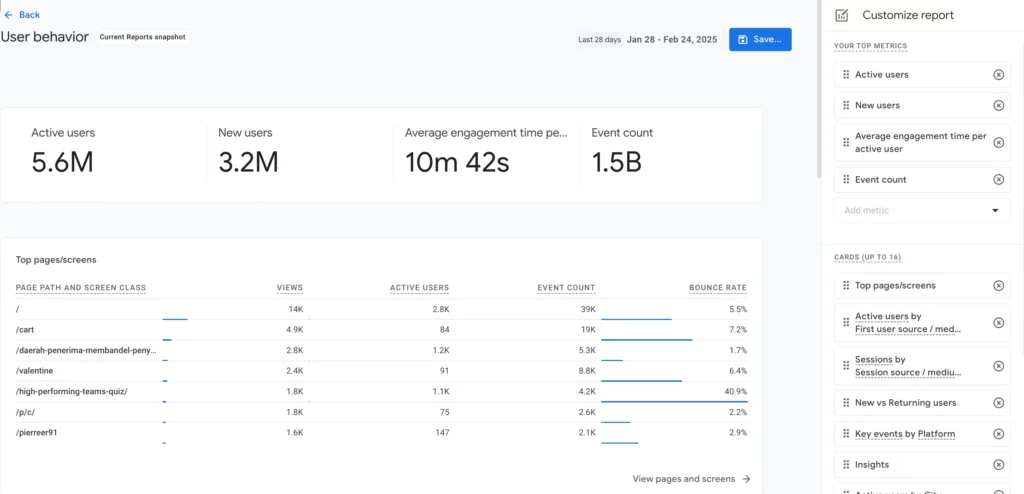
GA4 is the industry standard for most websites.
In most cases, it runs browser-side, but it also supports server-side setups.
One of the many benefits of GA4 is its easy integration with Google Ads.
Hotjar
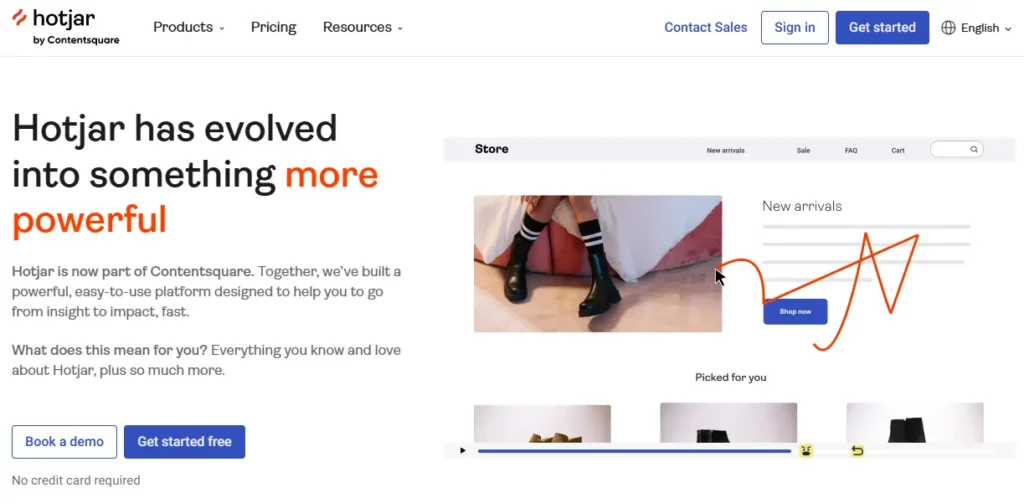
Hotjar is a good option for visualizing your analytics.
It isn’t the best option if you want to know where users come from, but it is great for figuring out how they experience your websites and where they might run into issues.
Mixpanel

Mixpanel is very event and action-focused, making it very popular if you’re in the Saas industry or have a web-app.
It’s very easy to use, with a drag-and-drop interface that allows you to create relatively customizable dashboards.
Best Tools For Server-Side Analytics
Traculo
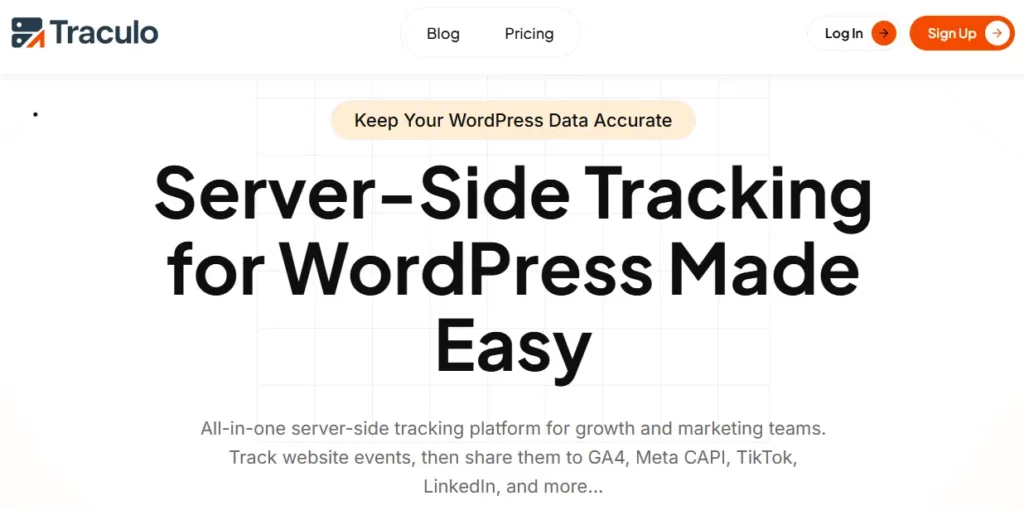
Traculo makes server-side tracking easy. Just install the plugin, sign up, and get started. You don’t need any technical background.
If captures events securely, validates them, enriches the information, and routes everything to marketing and analytics platforms like GA4, Meta CAPI, TikTok Pixel, and many more.
What makes Traculo stand out is features like its automated retries, so you don’t lose any information even if there is a temporary issue with the APIs, and its GDPR compliance.
Matomo
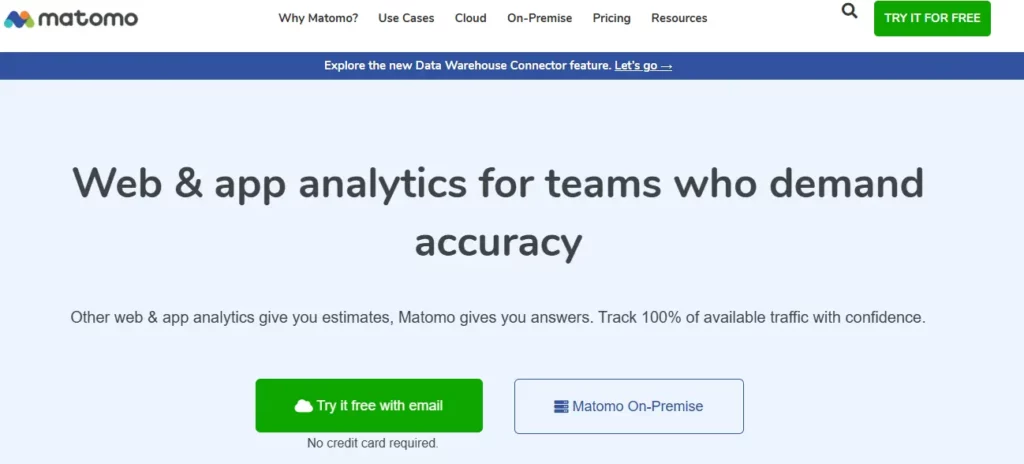
Matomo is an open-source alternative to Google Analytics. It’s another option that is great for privacy and compliance, but it can be quite difficult to learn.
If you are already familiar with Google Analytics, then you may find the interfaces quite similar.
Snowplow

Snowplow is designed with data-heavy organizations in mind.
It is very customizable and allows for advanced setups.
Typically, companies that use Snowplow forward events to their data lakes or warehouses.
Keep in mind that you will need a good amount of technical skill to be able to set it up and maintain it.
A Hybrid Tracking Approach
Switching completely to server-side tracking all at once isn’t realistic for many sites, so they instead opt for a hybrid approach that uses a mixture of both client-side and server-side tracking.
This approach lets you keep all of the browser-level insights from client-side tracking, like page views, scrolls, and clicks, while moving critical conversions to the server, where they’re logged accurately and safely.
It means fewer data gaps, more consistent conversion reports, and a smoother transition if your team isn’t ready to go fully server-side yet.
This means you don’t lose the convenience of tools like Google Tag Manager or real-time browser-based insights, but you gain the accuracy and resilience of a server-controlled setup.
Wrap-Up
There are many differences between client-side and server-side tracking. In the world of marketing, where your data is used to make decisions, train ad campaigns, and much more, knowing the difference is important.
The reality is that browser-based client-side tracking is not the best option anymore. It’s unreliable and slows down your website.
Server-side tracking is the way many websites are going. And, if you don’t have the technical knowledge to set it up on your own, there are solutions like Traculo that make the process seamless.
Sign up for Traculo today to get started with your free trial!
FAQs
What’s the difference between client-side tracking and server-side tracking?
The biggest difference between client-side tracking and server-side tracking is that client-side tracking runs JavaScript in the user’s browser, while server-side tracking stores, validates, and enriches events on your server.
Can I use both client-side and server-side analytics together?
Yes, you can use both client-side and server-side analytics together. Many websites use client-side tracking for front-end events and server-side tracking for conversions and attributions.
Is server-side analytics better for privacy?
Yes, server-side analytics is better for privacy since it limits tracking cookies and handles user data as the first-party, ensuring information is kept secure and private.