
Integrations
Connect the platforms you already use.
Forward conversions to your ad platforms and pull search data back in. Unlimited integrations on every plan.
GA
Google Analytics 4
M
Meta Conversions
G
Google Ads
in
T
TikTok
S
Snapchat
P
Pl
Plausible
The full list
Eight destinations, plus Search Console and Bing.
Platform names shown as text. Each integration is attached per domain, and you can attach as many as you need.
Available now
Ten integrations, attached per domain.
Connect with an ID and token, or sign in with OAuth. Each domain can use as many as it needs.
Google Analytics 4
Send events server-side to GA4 with the Measurement Protocol. You only need your Measurement ID and API secret.
Meta Conversions API
Forward conversions to Facebook and Instagram ads using your Pixel ID and access token.
Google Ads
Connect with Google, load your conversion actions and upload offline conversions mapped from your site events.
LinkedIn Conversions API
Map your site events to LinkedIn conversions. User data is hashed before it is sent.
TikTok, Snapchat and Pinterest
Server-side conversion APIs for all three, each connected with a pixel or account ID and token.
Search Console and Bing
Pull your real search queries into Traculo analytics. Search Console connects with OAuth and Bing with an API key.
Connection setup
Paste an ID and a token, or sign in with OAuth.
The fields below are the ones you fill in when you attach an integration. Values are placeholders.
Measurement ID (G-XXXXXXX)
API Secret
Pixel ID
Access Token
Access Token
Pixel Code
Access Token
Pixel ID
Access Token
Ad Account ID
Ad Account ID
Access Token
Sign in with Google, choose the account and map conversion actions to your site events.
Sign in with Google and choose the property that powers your query analytics.
API Key
One-click connection. No keys to paste.
Illustrative data
Event mapping
Map your events to each platform's conversions.
Google Ads loads your conversion actions and uploads offline conversions mapped from your site events. LinkedIn conversions are mapped the same way, and user data is hashed before it is sent.
Illustrative data
Plausible too
Set up in minutes, then check every delivery.
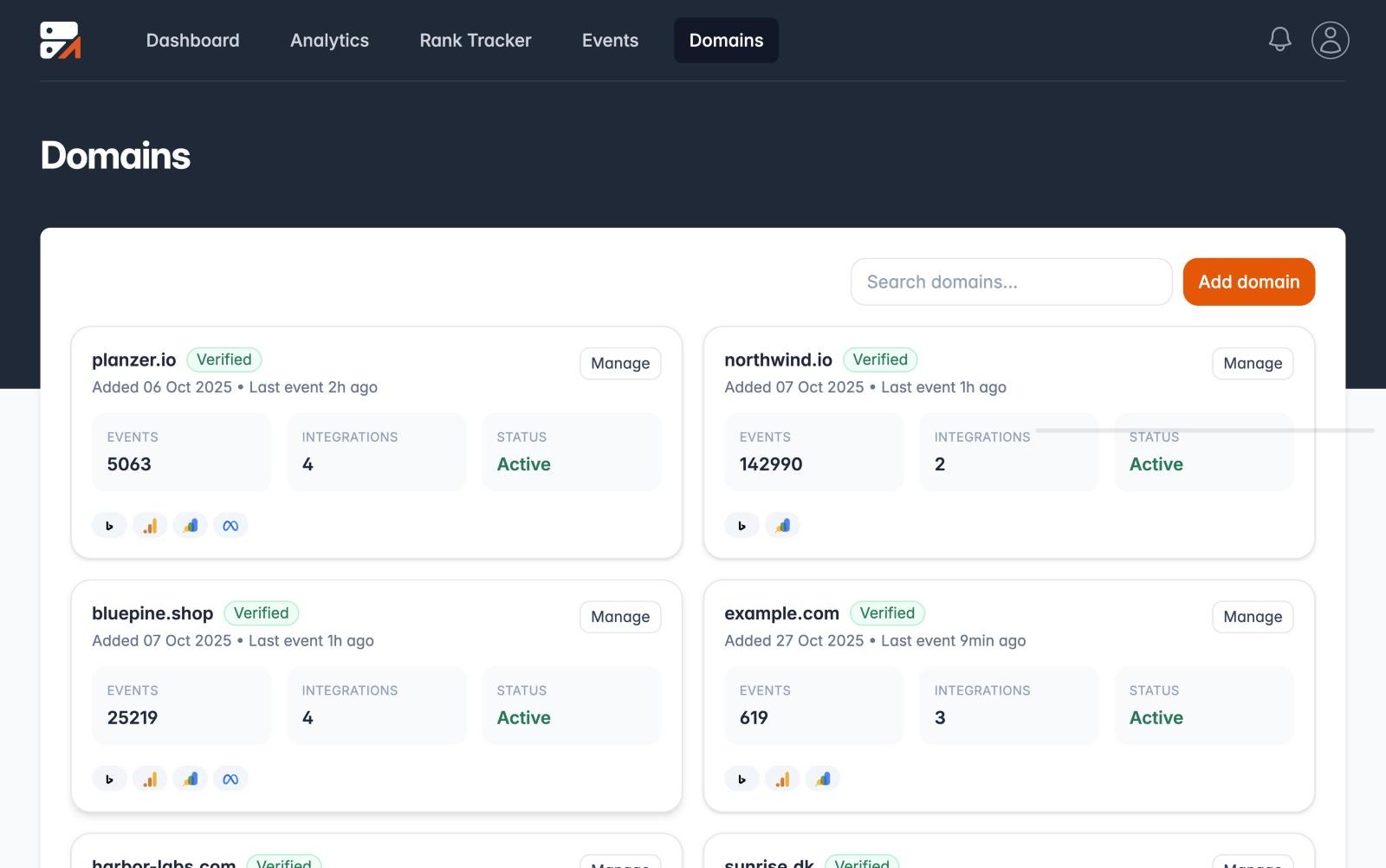
Attach an integration to a domain, send a test event and open the event log to see the response from each platform. Events come from the Traculo WordPress plugin.
✓ One-click Plausible connection
✓ Unlimited integrations on all plans
✓ Success and error status for each delivery
✓ Delivery log shows what each platform answered
After you connect
Send a test event, then read the response.
Every delivery gets a Success or Errored status, and the log shows what each platform answered. An Errored row tells you which connection needs another look.
Illustrative data
Zapier and Make
Connect Traculo to 6,000+ apps without code
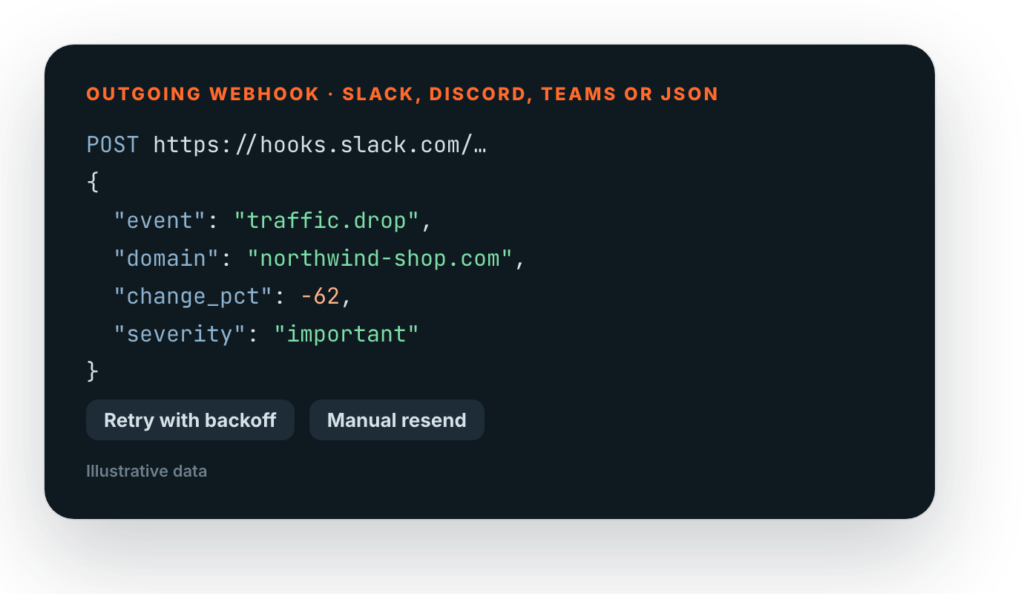
Use a Traculo alert as the trigger and let Zapier or Make do the rest: post to Slack, create a task, update a spreadsheet, open a ticket.
✓ Triggers: traffic alert, tracking silent, delivery failed, new conversion
✓ Actions: send an event, report a CRM conversion, find a website
✓ Make also has a ready “Make an API call” module

Shopify app
Connect your Shopify store in one click
Install Traculo from Shopify, create the website from the store's address, and purchases flow in server-side. Consent is respected and no orders or customers are read.


1. Install
Add the app from Shopify. One web pixel is installed through customer events.
2. Connect
Sign in or sign up, and Traculo creates the website from your store address.
3. Watch events arrive
Page views, add to cart and purchases show up in your event log within minutes.
Google Ads and offline conversions
Conversions that reach Google, and proof that they did.
Traculo uploads conversions to the Google Ads account you connect, and checks every connection so a lost sign-in does not go unnoticed.
Straight to Google Ads
Pick the account by name, map an event to an uploadable conversion action and Traculo sends it through Google's Data Manager API. You do not need a developer token.
Offline conversions from your CRM
Report a deal won or a lead qualified from your CRM, Zapier or Make. Traculo matches it to the lead by click id or hashed email and phone, and sends it to the platforms you pick.
Only real click ids
A made-up or cut-off click id is never sent to Google, where it would fail with "Unparseable gclid". The conversion uses the other identifiers it has instead.
Connection checks
Every integration can say it needs attention: a lost Google sign-in, a missing permission or a refused token. You see a Reconnect button and a red dot on the domain, with the reason.
Live alerts
Alerts and problems appear in the app as they happen, without refreshing the page.
Connect your first integration today.
Create a free account and attach GA4 or Meta in a couple of minutes.