
WordPress plugin
Server-side tracking for WordPress, from one plugin.
Install the Traculo plugin, paste your domain API key and it starts sending page views, clicks, downloads and form submissions to Traculo. Version 1.0.44, for WordPress 6.3+ and PHP 7.4+.
1. Download the zip
traculo.zip
2. Plugins > Add New > Upload
Upload
3. Activate the plugin
Activate
4. Settings > Traculo
API key
5. Events start flowing
Done
Illustration of the install steps
Collected automatically
What the plugin records.
No tag manager and no code to write. You can switch individual event types off in the plugin settings.
Page views, scroll and time
Page views, scroll depth and engaged time on page.
Outbound clicks and downloads
Clicks to other sites and file downloads: pdf, zip, docx, xlsx, pptx and csv.
Phone and email
Clicks on phone and email links, and copy events when a visitor copies an email address or phone number.
Form submissions
Recorded on the server by 18 supported form integrations, not by watching clicks in the browser.
WooCommerce events
Optional: product views, add to cart, checkout start and order complete.
Custom events
Send your own events from PHP or JavaScript, and define up to 50 custom conversions in settings.
Install in minutes
From zip to first event in four steps.
No tag manager and no code to write.
Upload
Plugins > Add New > Upload Plugin, then choose traculo.zip.
Activate
Activate Traculo on the Plugins screen.
Paste your API key
Open Settings > Traculo and paste the domain API key from app.traculo.com.
Events start flowing
Page views and clicks start arriving in your Traculo account.
Settings > Traculo
One settings screen, no code.
Paste the key, choose which event types to collect, and add up to 50 custom conversions. Illustration of the settings screen.
API Key
Events
Custom conversions
Illustrative data
Every event type
What you can switch on.
Event names as they appear in Traculo.
Collected automatically
WooCommerce, optional
Custom events
Each type can be switched off in the plugin settings, except page views.
Built to stay light
A small script, and the heavy work happens on the server.
The script is tiny and deferred, so it does not block rendering. Delivery to Traculo happens after your visitor already has the page.
✓ Loaded in the footer at idle time, served from your uploads folder
✓ Events sent as beacons to your own domain through a randomized REST route
✓ Your server forwards to Traculo after the response is sent
✓ Database queue with retries: up to 5 attempts with exponential backoff, run by WP-Cron every minute
✓ Works with full-page caching such as Cloudflare APO, and resolves the real client IP behind Cloudflare and proxies
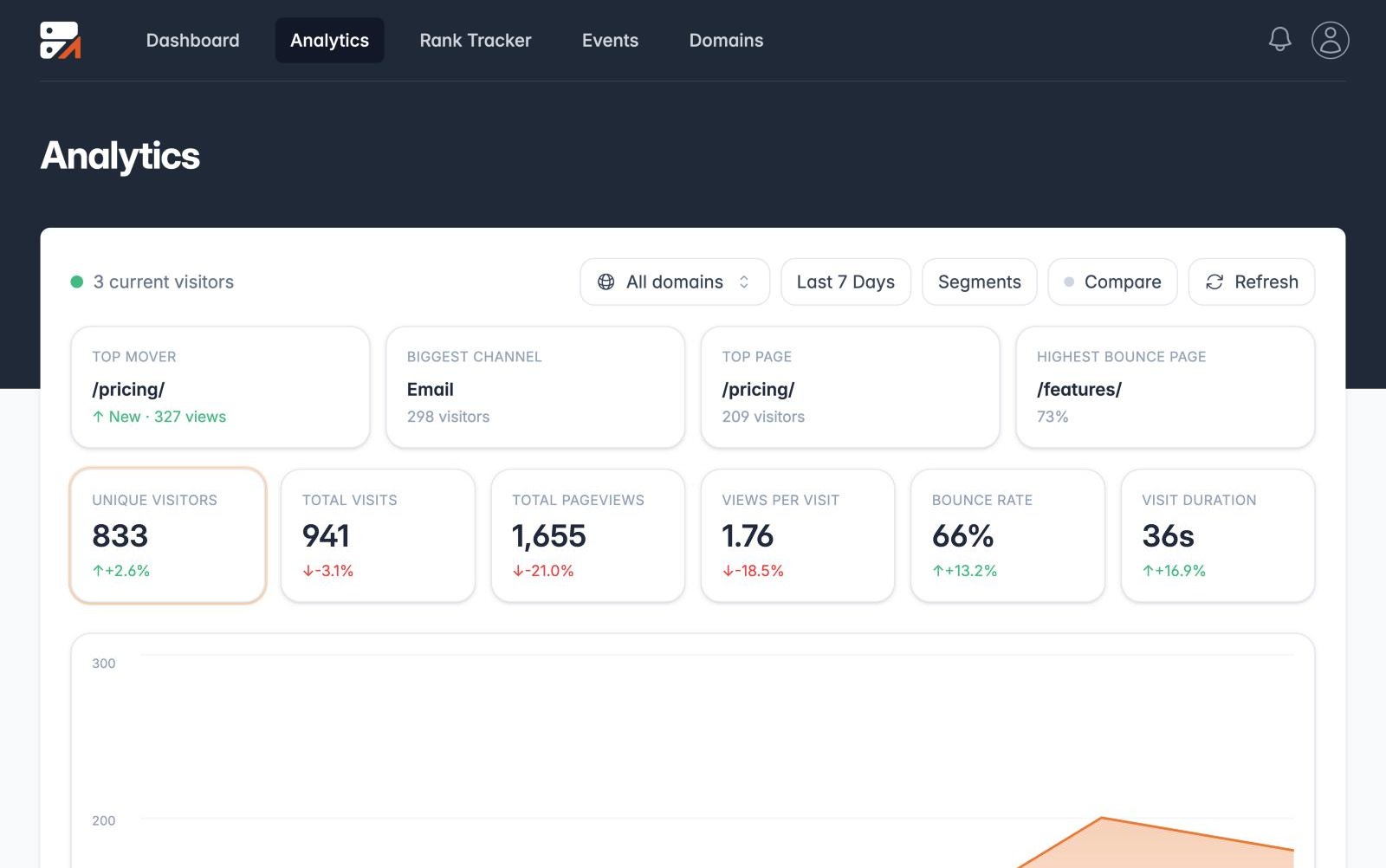
After the plugin
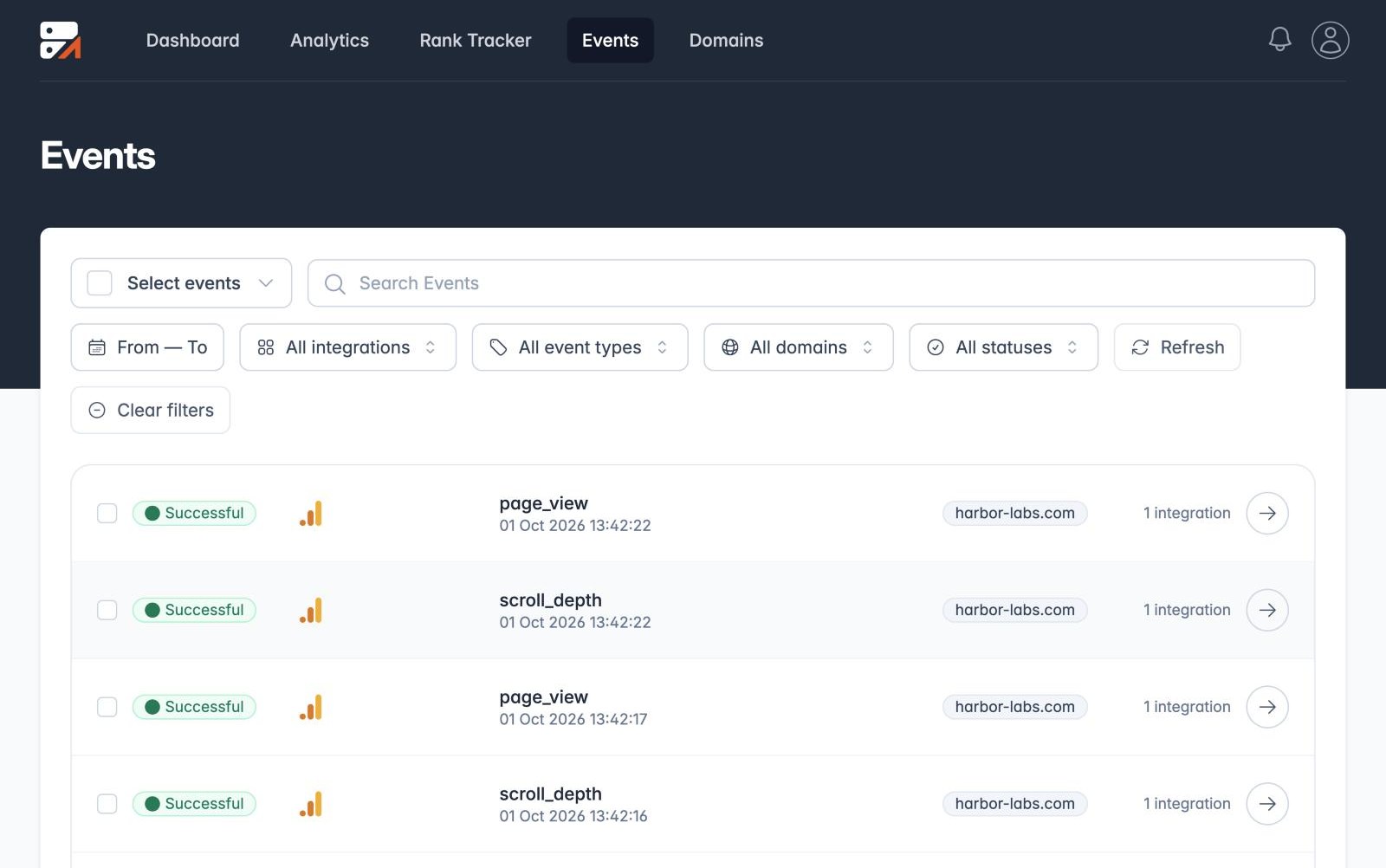
Every delivery is logged.
Open any event in Traculo to see what each platform answered.
Events wait in a database queue. A failed delivery is retried up to 5 times with exponential backoff, run by WP-Cron every minute.
Illustrative: a retry succeeding
Illustrative data
Compatibility
Works with the tools you already use.
Forms are recorded on the server, from the form plugin itself.
Add the Custom Action (Bricks) or the Traculo Analytics action (Breakdance, Oxygen) to the form.
Forms
Form submissions, recorded on the server.
The plugin hooks into the form plugin itself, so only real submissions from a supported integration are recorded. Bot and scanner POST requests are not counted.
Tracked automatically
Elementor Pro, Contact Form 7, Gravity Forms, WPForms, Kadence, Ninja Forms, Formidable, Fluent Forms, Forminator, MetForm, Jetpack Forms, Divi Contact Form, WS Form, Everest Forms and Caldera Forms.
One setting to switch on
Bricks: enable the Custom Action in the form's Actions After Submit. Breakdance and Oxygen: add the "Traculo Analytics" action to Actions After Submission.
Not tracked automatically
Form plugins that are not on the list are not tracked automatically. For those, add a custom conversion rule that matches the form by CSS selector.
WooCommerce
Shop events, if you want them.
Turn on the optional ecommerce setting and the plugin sends four WooCommerce events.
✓ product_view on product pages
✓ add_to_cart when an item is added
✓ checkout_start on classic and Block Checkout, once per checkout
✓ order_complete on the thank-you page, once per order (the order is flagged after the first send)
Settings
Control what gets sent.
Everything lives under Settings > Traculo in WordPress.
Logged-in users
Logged-in users are excluded by default. There is a toggle if you want to track them too.
Bot blocking
On by default. It skips known bots and crawlers, including AI crawlers, headless browsers and uptime tools.
Choose your events
Pick which event types to collect, and switch off the ones you do not need.
Custom conversions
Up to 50 rules: page view by path (with optional ignore-refresh), form submission or button click by CSS selector, or time on page in seconds.
Automatic updates
After activation, WordPress auto-updates are on by default using the native toggle. Updates are delivered from traculo.com.
Domain API key
Paste the API key for your domain from app.traculo.com. The settings page has a Get API key link.
Good to know
For developers, privacy and limits.
What a developer can hook into, exactly what the plugin stores and sends, and where it has limits.
For developers
Send custom events from PHP with traculo_track_event($name, $props) or from JavaScript with window.traculo(name, props). The filters traculo_cookie_consent and traculo_require_event_nonce let you adjust consent and nonce behaviour. The WP Consent API (statistics category) is respected for the one cookie.
What it stores and sends
The plugin sets one cookie, a _ga-compatible client ID cookie (HttpOnly, 2 years), unless consent is denied through the WP Consent API or the traculo_cookie_consent filter. It reads existing ad-click IDs and cookies (_fbp, _fbc, fbclid, ttclid, epik, li_fat_id and Snapchat IDs) so server-side conversions can be matched. Form submissions send sanitized field values, with payment and password-like keys removed, plus SHA-256 hashes of any detected email, phone and name. The plugin has no consent banner, so bring your own and connect it through the WP Consent API. We do not claim this makes you compliant by itself.
Read more: GDPR and WordPress analytics, cookie banners and Consent Mode v2.
Requirements and limits
Delivery relies on WP-Cron or a real server cron, and the plugin warns you if cron is disabled. Events are forwarded to the Traculo API, so the queue only drains when it can be reached.
New · Guided setup
Not sure where to start? Take the tour.
After you add a domain, Traculo asks if you use Google Tag Manager and shows the steps for your setup, one at a time. It tells you when your first visit has arrived.
FAQ
Questions about the plugin.
Is it in the WordPress.org plugin directory?
No. You download the zip from traculo.com and upload it in Plugins > Add New > Upload. Updates also come from traculo.com, and WordPress auto-updates are on by default after activation.
Will it slow my site down?
The script is tiny and deferred, loaded in the footer at idle time. Events go to your own domain as beacons and your server forwards them to Traculo after the response is sent.
What if Traculo is unreachable?
Events wait in a database queue and are retried up to 5 times with exponential backoff. WP-Cron runs the queue every minute, and large batches are sent gzip-compressed.
Which form plugins work?
Eighteen integrations are supported, from Contact Form 7 and WPForms to Elementor Pro and Gravity Forms. Unsupported form plugins are not tracked automatically; use a custom conversion rule with a CSS selector.
Does it work with page caching?
Yes. It works with full-page caching, for example Cloudflare APO, and resolves the real client IP behind Cloudflare and other proxies.
Do I still need a cookie banner?
The plugin sets one client ID cookie unless consent is denied via the WP Consent API, and it does not include a banner. Whether you need one depends on your setup and jurisdiction, so check with your own advisor.
Related guides
Read more about the setup.
Tracking guides
Server-side tracking for WordPress
GA4 server-side tracking for WordPress
Ad blockers and WordPress analytics
Forms and shops
Track form submissions in WordPress, server-side
WooCommerce server-side tracking
Install it and send your first event.
Create a free account, copy your domain API key and paste it into the plugin.